LittleBigPlanet is full of creative potential, just the same as you are. The amount of things you can make are limitless! No matter how big or… well, just how big can your creations be? Read on to learn the in’s and outs of how to use the LittleBigPlanet thermometer!
Attribution
This tutorial was made possible thanks to the collaboration of the following awesome sackfolk:
- Diskoflash: Lead writer, concepts, images
- Potatoboii_: writing, concepts
- Fenkin_gamer: Thumbnail
- m88youngling: writing, editing + publishing
This article was created by the LBP Union Ministry of Inspiration, the team responsible for selecting team picks and organizing official contests and events for Beacon and beyond. Share your experience and creativity with the community by applying to help us with projects like this today!
What is the LittleBigPlanet Thermometer?

The thermometer is the screen-length gauge you see on the side of your screen. This is what determines how big your level can get. It’s present the entire time you are in create mode. If it fills up all the way, your level will overheat — that means you can’t add anything else to your level!
So, what can you do to keep the thermometer from filling up too much? Short answer: there’s a lot of different things you can do. Let’s walk through each of these things step by step!
How Do We Manage the LittleBigPlanet Thermometer?
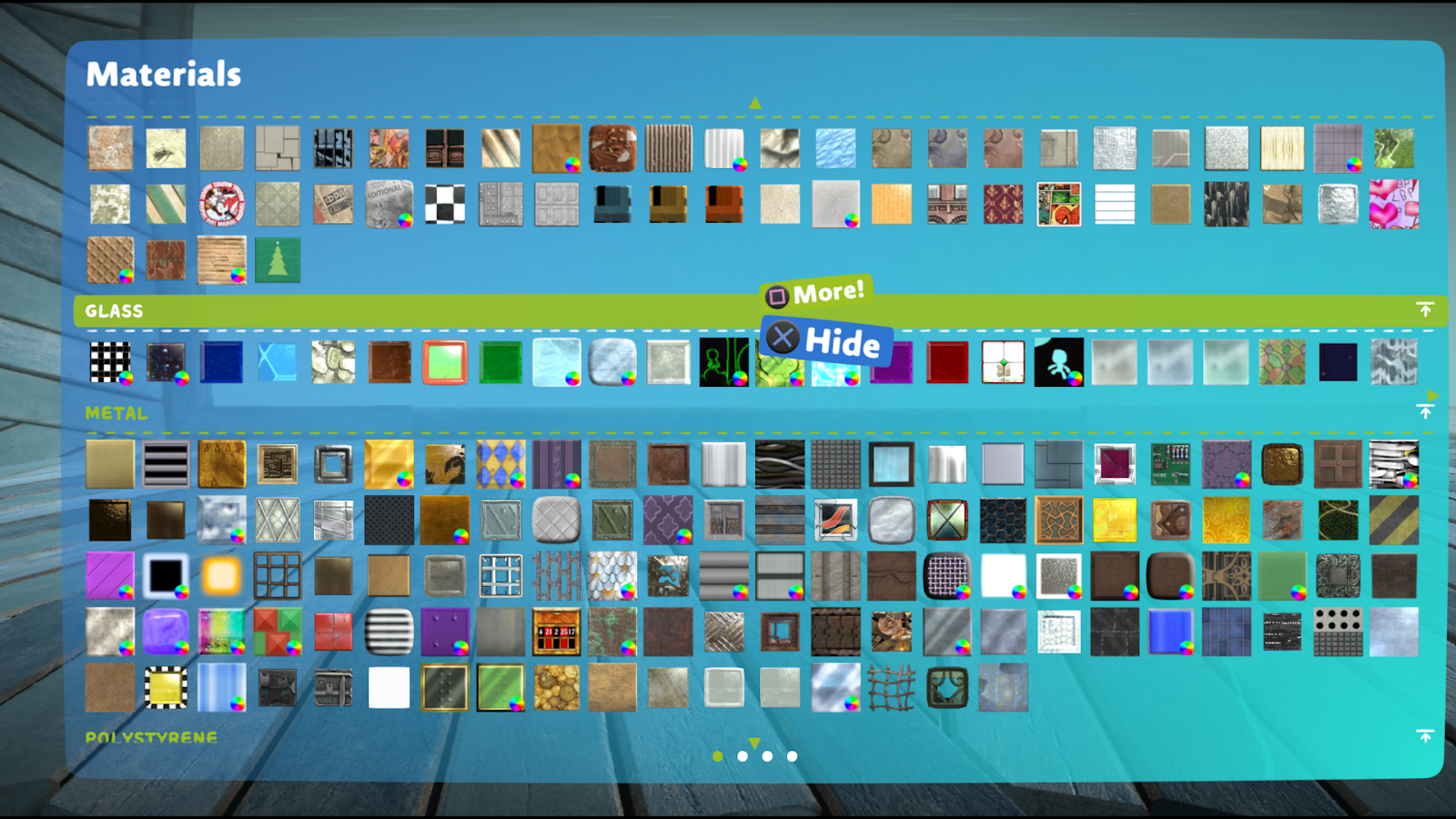
The amount of thermometer that’s filled is determined by how many objects of different kinds are present within the level you are making. One of the first things you should consider is how many materials you need to use, and how many objects are in your game. Think of it like a painter’s palette. You have a whole room of different inks to choose from, and you think to yourself “how do I make do with what I have?”
A good rule of thumb is to choose at least four materials you feel you can use. Take a look at this image here from Da Vinci’s Bravery Test. Can you guess how many materials are here?
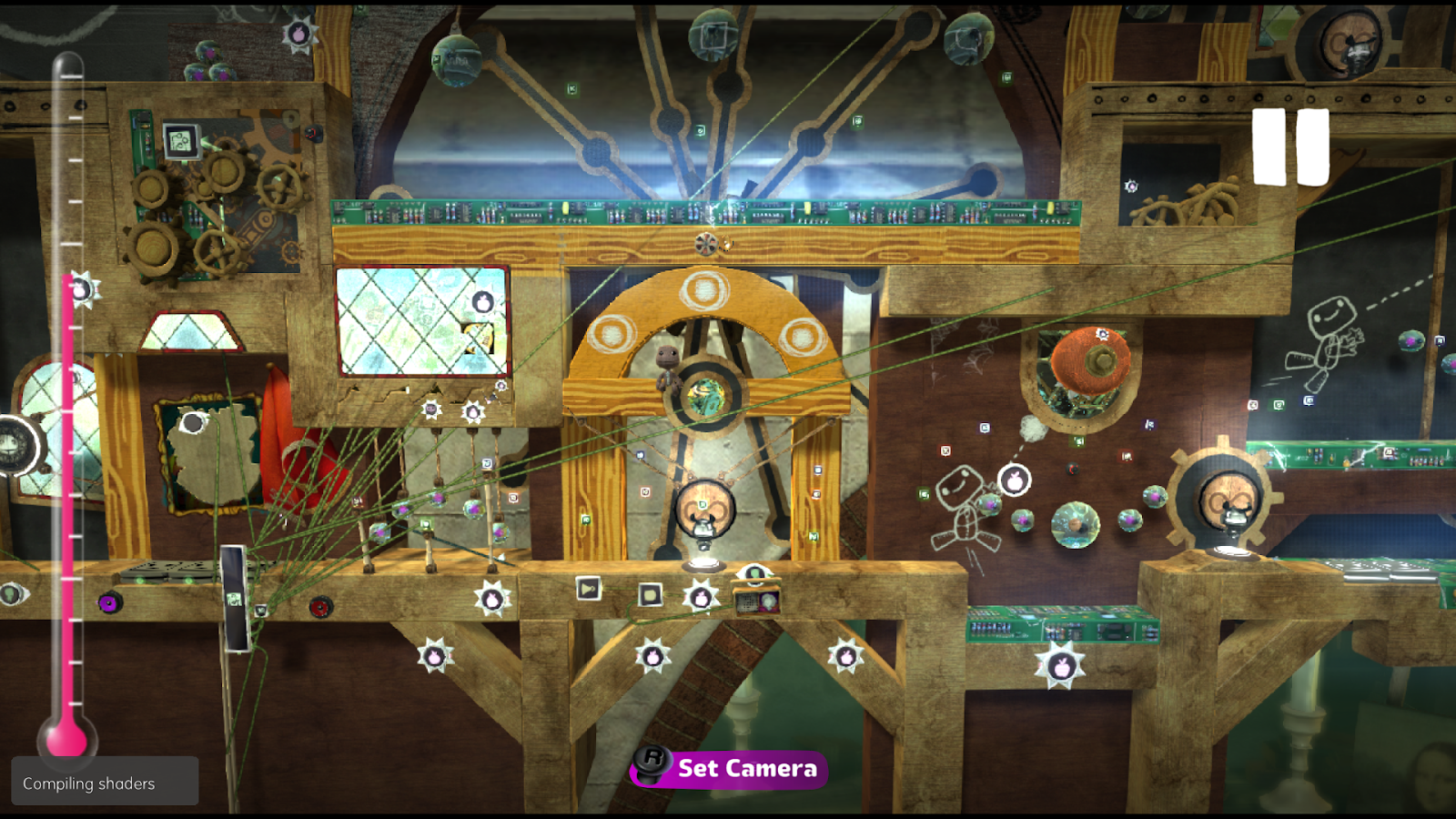
If you guessed EIGHT, you’d be correct! As a matter of fact, Bravery Test only makes use of 10 materials in the entire level. Most surfaces are given stickers for even more details.
Clever creators could build an amazing looking level using only 1-3 materials by using stickers as material textures instead! However, you’ll sacrifice some texture quality in the process by doing this.
Backgrounds
Another thing to keep in mind is that your choice in background affects the thermometer. Da Vinci’s hideout as a background takes up a whopping 10% of the thermometer. Choose your backgrounds wisely.
If you prefer to make a level that is full of materials, LittleBIGPlanetTM2 or Vita may not be the best option for you. It really makes a difference what 10% can get you depending on the game.


Music Sequencer Thermometers
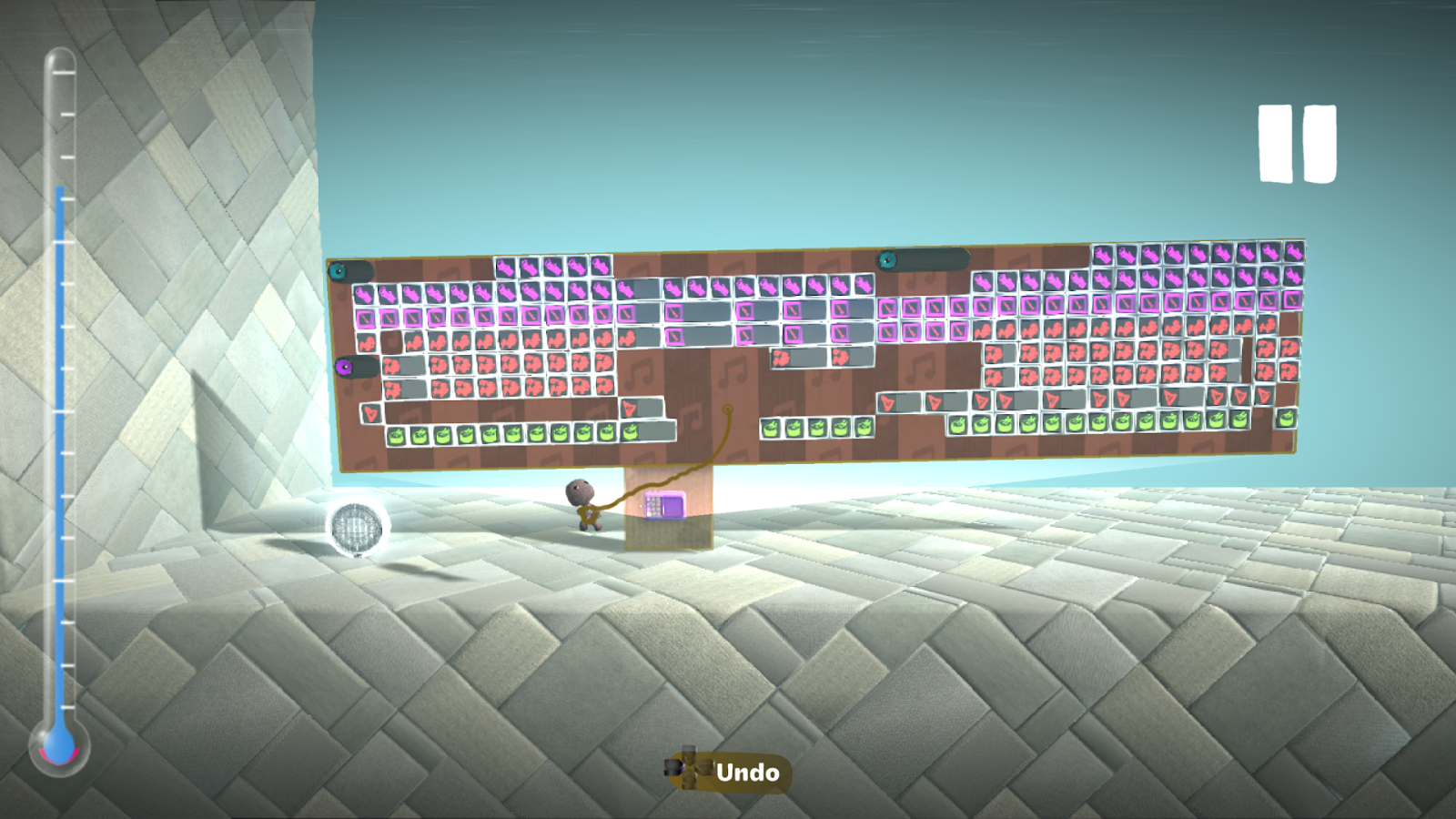
Music Sequencers often have their own limits as well. Usually the number of chips you add to a Music Sequencer will greatly impact the gauge, as will the number of sound samples available to you. For example, a drum set chip will be bigger than others because it holds more sound samples than a single instrument. Thus, it is best to stick with one drum set if you absolutely need it.
Dynamic Thermometer in LittleBigPlanet 3
Dynamic thermometer is a tricky beast to wrangle, but when mastered it can allow you to make sprawling and complicated levels! The main idea behind the dynamic thermometer is that parts of the level your Sackthing is far away from will unload themselves. After all, they’re off-screen, so there’s no need to render them!
When objects are unloaded, it’s like they don’t exist! That can be good for your level and the global thermometer, but it can also be bad. For example, if you are relying on logic somewhere in your level to do something, and you’re too far away from it, it might unload, preventing things from working properly. When your objects are more spread out, this allows the Dynamic Thermometer to collectively render what it needs to, and it will allow you to make the best use of the level’s new giant size.
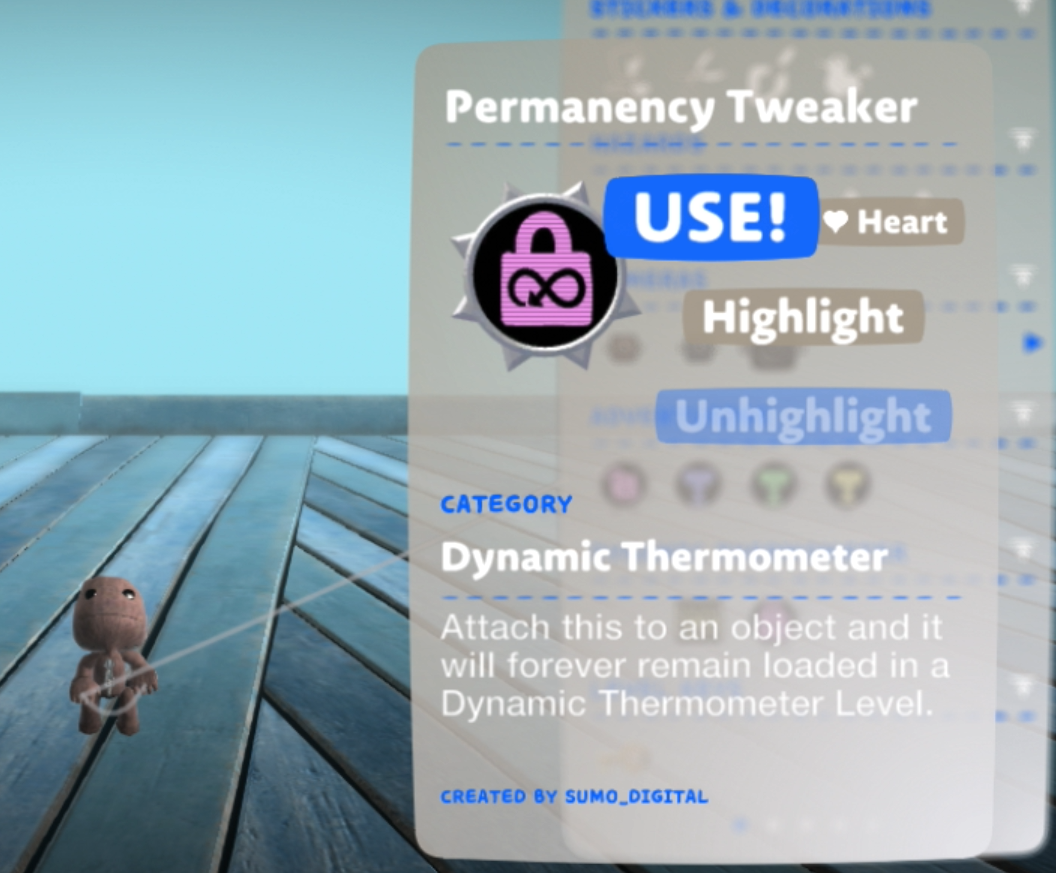
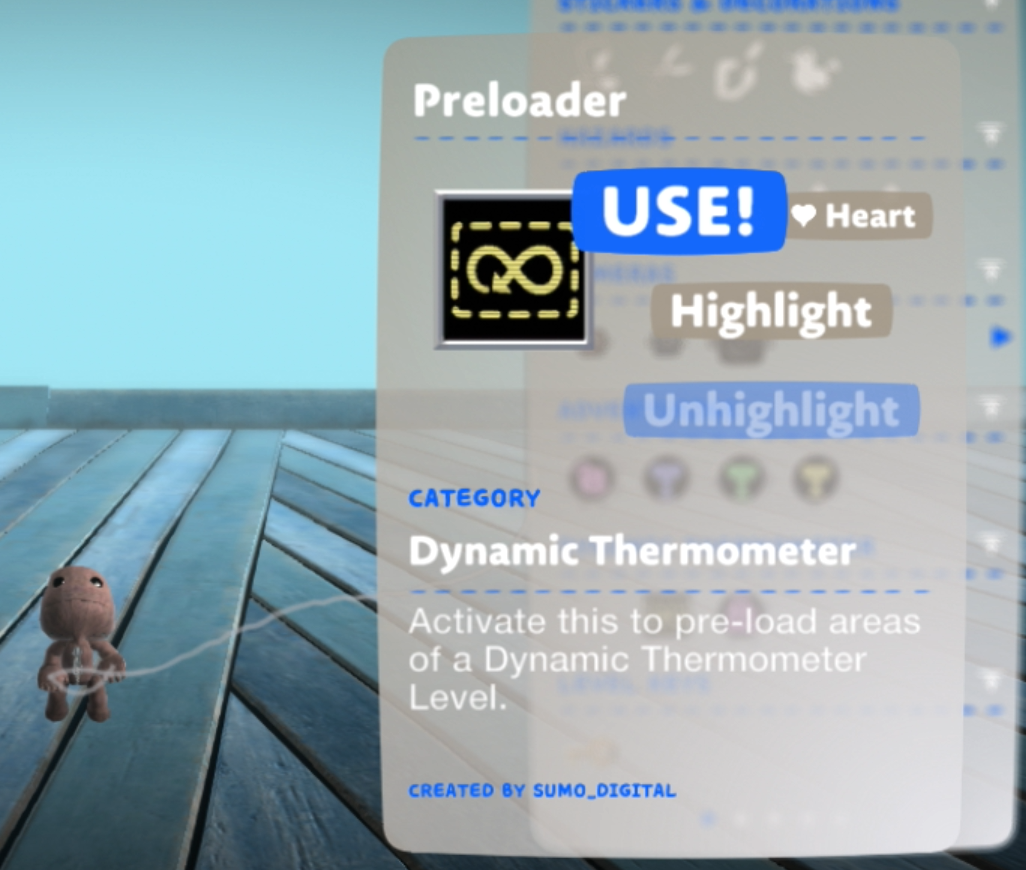
You can use Permanency Tweaker logic pieces to keep objects and logic loaded at all times. However, use this tool sparingly. Additionally, a Preloader can allow your game to load in objects without the hassle of a loading screen. Putting it on too many objects will defeat the whole point of a dynamic thermometer, but these tools can help with this!
Although a dynamic thermometer allows you to put more things in your level in total, it will reduce the capacity of each part of your level. Take a look at these images in the carousel below. Each image has the same number of balls, but when the dynamic thermometer is enabled (the yellow thermometer), the level is almost overheating!
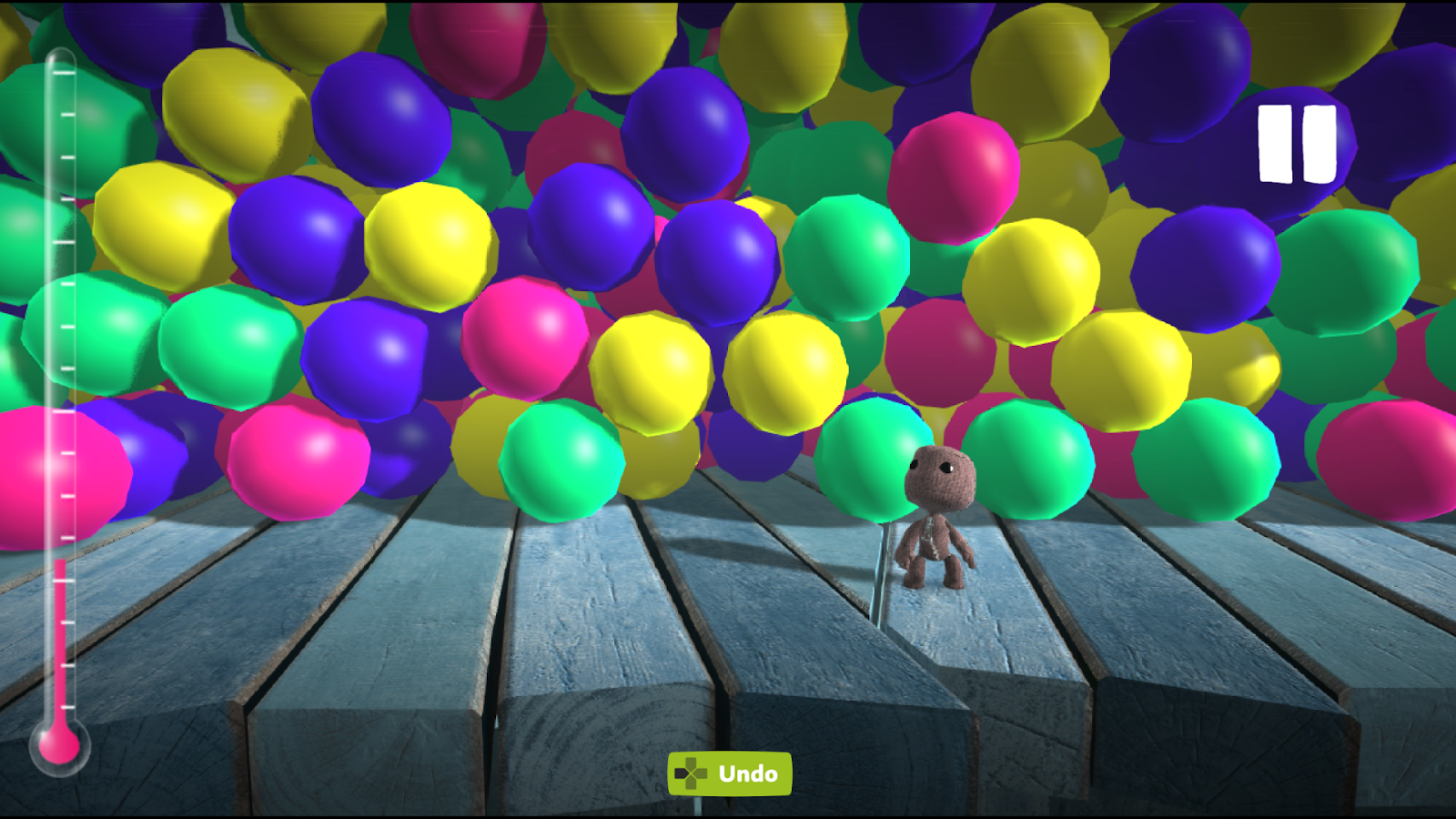
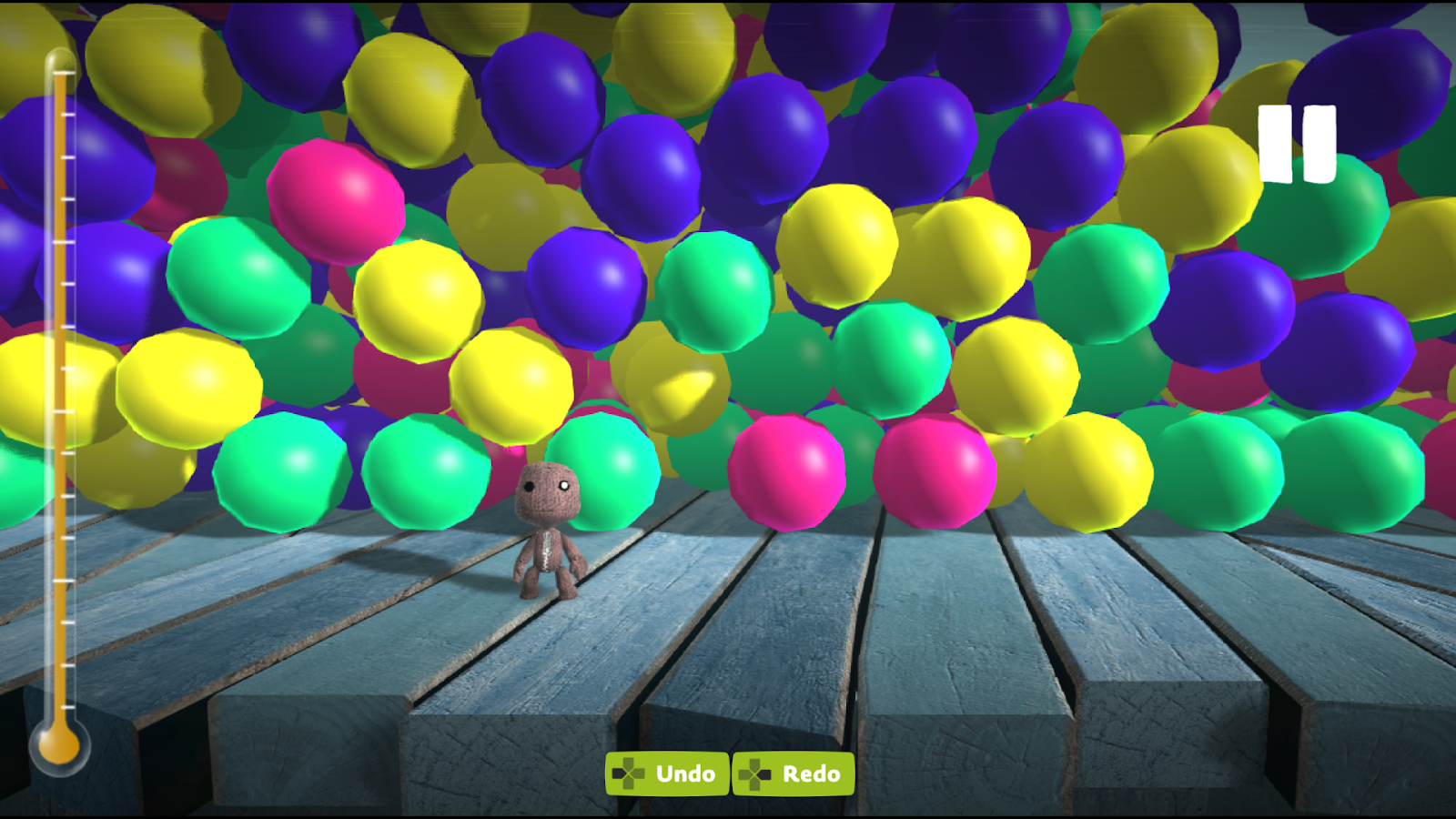
Dynamic thermometer is best used when you spread out lots of things over a larger area!
There’s a lot of other nuances to dynamic thermometer that we may go into in another tutorial.
Beyond the Curtain: Thermometer Secrets
For most creators, the LittleBigPlanet thermometer is fairly straightforward. Add more stuff to your level, and the meter fills up. However, it’s actually a lot more complicated than that. Here are a few key ideas that will help you create more optimized levels and understand how the thermometer works for more advanced projects.
LittleBigPlanet Likes Duplicates
If you create an object — that is, an object that’s a single piece or multiple pieces glued together — LittleBigPlanet treats that object as one entity. Media Molecule were clever when they made the game. You’ll notice that the thermometer doesn’t fill up quite as much when you duplicate an object multiple times.
An example where this might be useful for you if you duplicate decorative elements, props, or even entire blocks of your level like platforming obstacles! As a result, one key strategy to optimizing your level is to reuse elements in creative ways.
Other Limits
As you may have noticed, LittleBigPlanet’s thermometer doesn’t measure one single thing. Instead, it measures lots of different things. For example, we’ve already seen that music is a part of the equation. However, did you know that there are certain limits that exist in the game that are independent of the thermometer? When the game reaches these limits, you can get restricted in quirky ways!
Hidden Limits
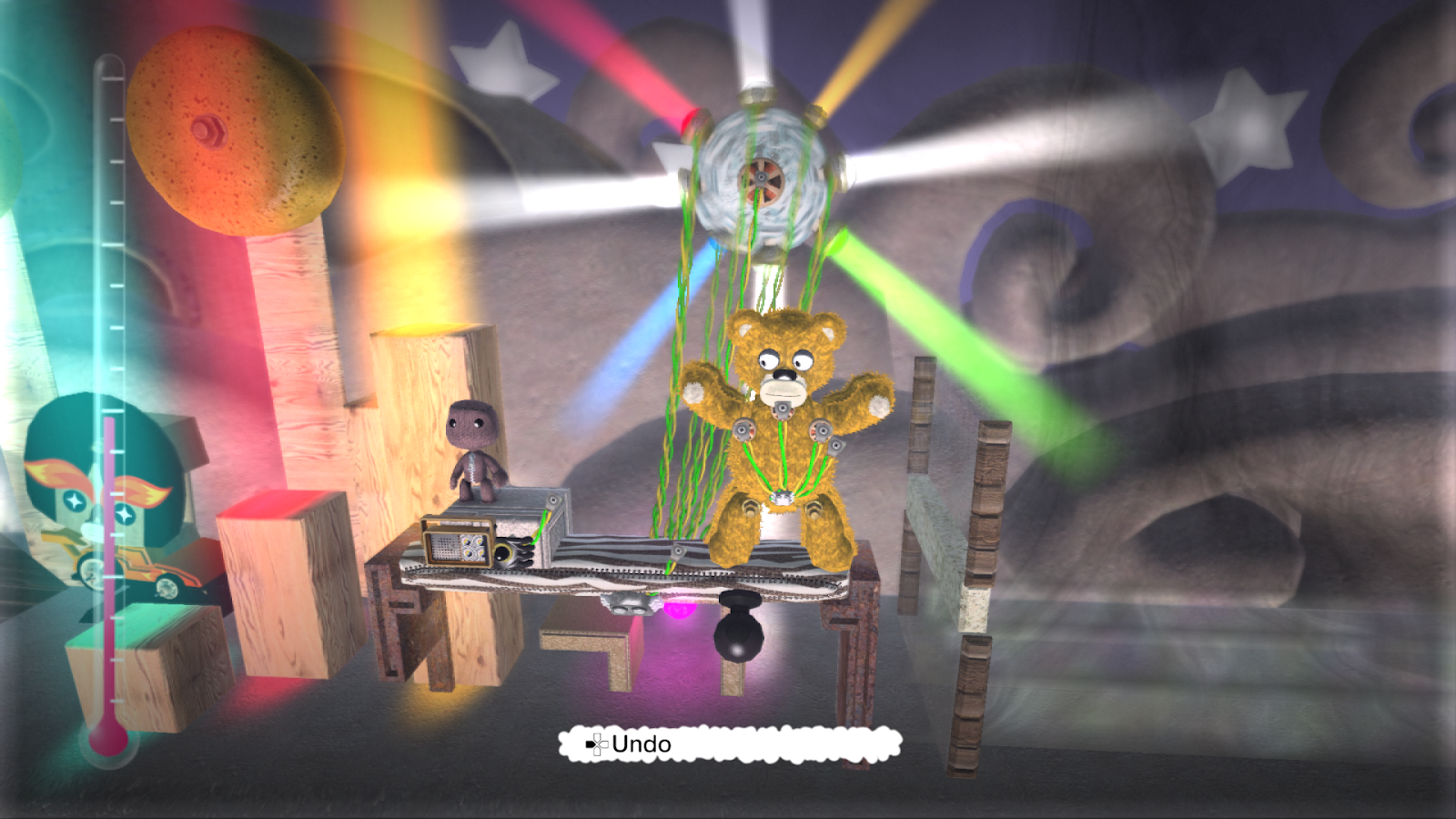
Here are some examples of limits that don’t generate errors:
- Lights: in some games, like LittleBigPlanet Vita, you can only have a few lights active at a time.
- Movers and Rotators: if you have too many of these, you may notice that they will stop working like you expect!
- Smoke: if you have too many smoke machines, or too much smoke, gas effects will disappear!
- Collisions: only so many perforated shapes (objects with holes) can collide or intersect with one another at any given moment. This can cause collisions to stop working within your level. Some things can even fall through the floor! Generally you shouldn’t have to worry about this in normal level design.
Less Hidden Limits
There are some other limits in the game that are less hidden. You’ll usually get a warning message about these.
- Stickers: having too many stickers can cause some stickers to disappear!
- Vertices: objects can only have a certain number of vertices, or corners. You can test this by taking out a six sided star material on your moon, making it fairly large, and placing it repeatedly while rotating it. Trying to add as many corners as you can to the shape will quickly cause a message to appear warning you about object complexity.
High Thermometer Doesn’t Always Mean Complicated
In addition, there are some other aspects of the game that disproportionately affect the thermometer more than other elements. For example, very long magic mouth voice recordings can raise the thermometer significantly. However, this has very little, if any, effect on game performance. You could have a completely empty level with just a magic mouth voice recording; the level will be overheating, but your framerate will be perfectly fine!
You’ve Mastered the LittleBigPlanet Thermometer!
Nice work, sackthing! When working with the LittleBigPlanet thermometer, it is always important to note just how the thermometer, music sequencer thermometer, dynamic thermometer, and other parts of your level function to allow you to make your levels run more smoothly without harming your creative freedom!
Did this tutorial help you? Share it with your friends so they can make more optimized levels too! Happy crafting!
Further Reading
Check out this video from Media Molecule about the thermometer!